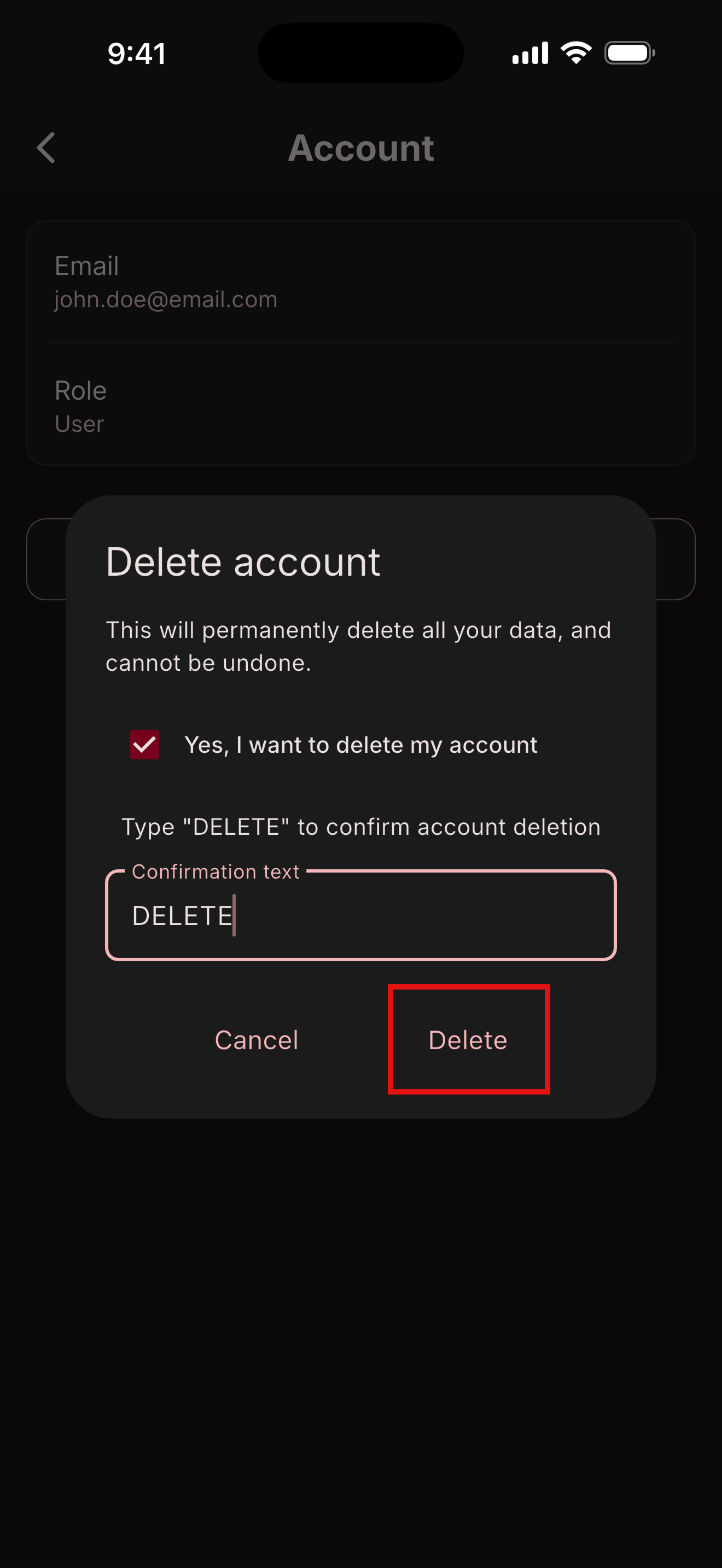
Delete Account
How to delete your account and all associated data
Quick overview:
- Open the BEF Connect app
- Sign in with your user account that you would like to delete
- Navigate to account screen
- Press Delete account
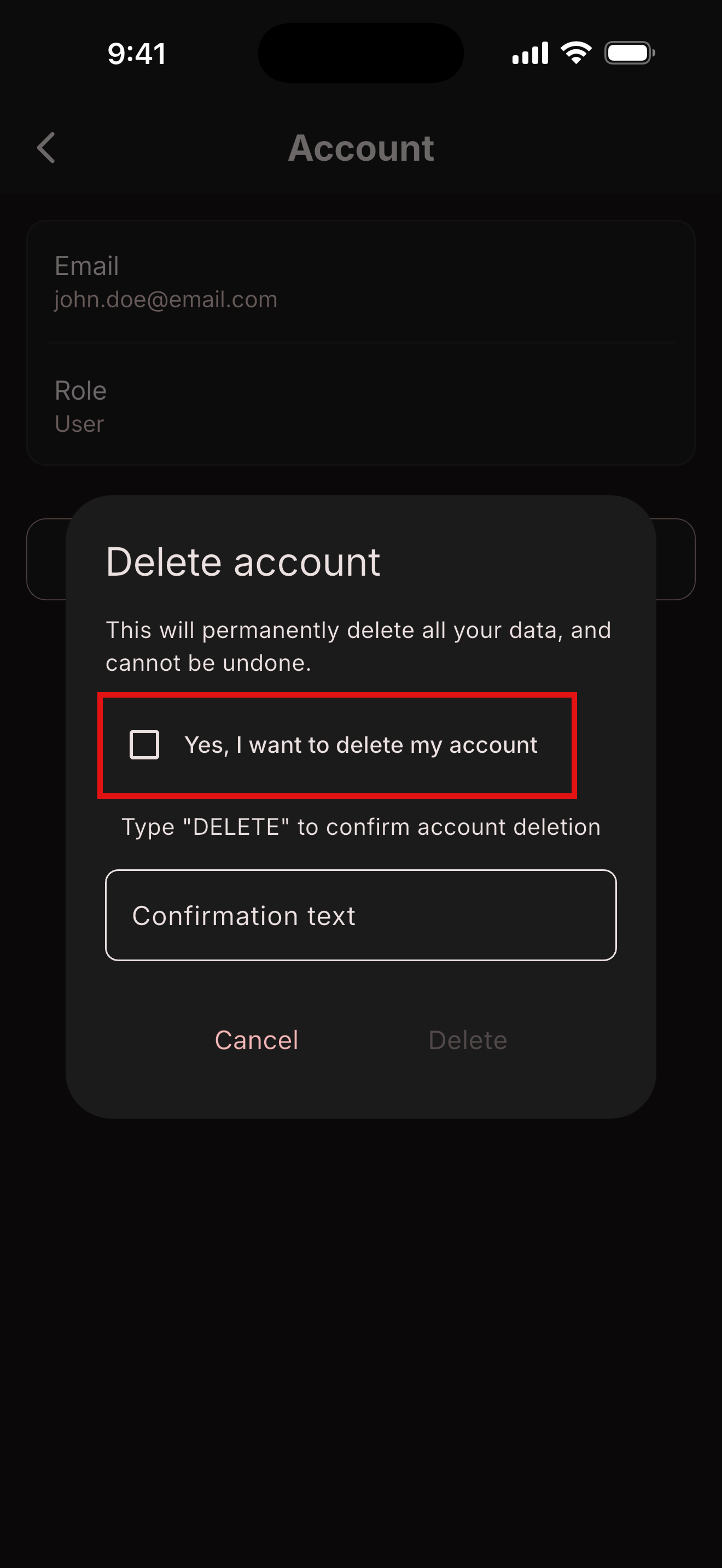
- Select the checkbox
- Write the word DELETE
- Press on the Delete button
Detailed instructions:
Open the BEF Connect app Sign in with your user account that you would like to delete Navigate to account screen
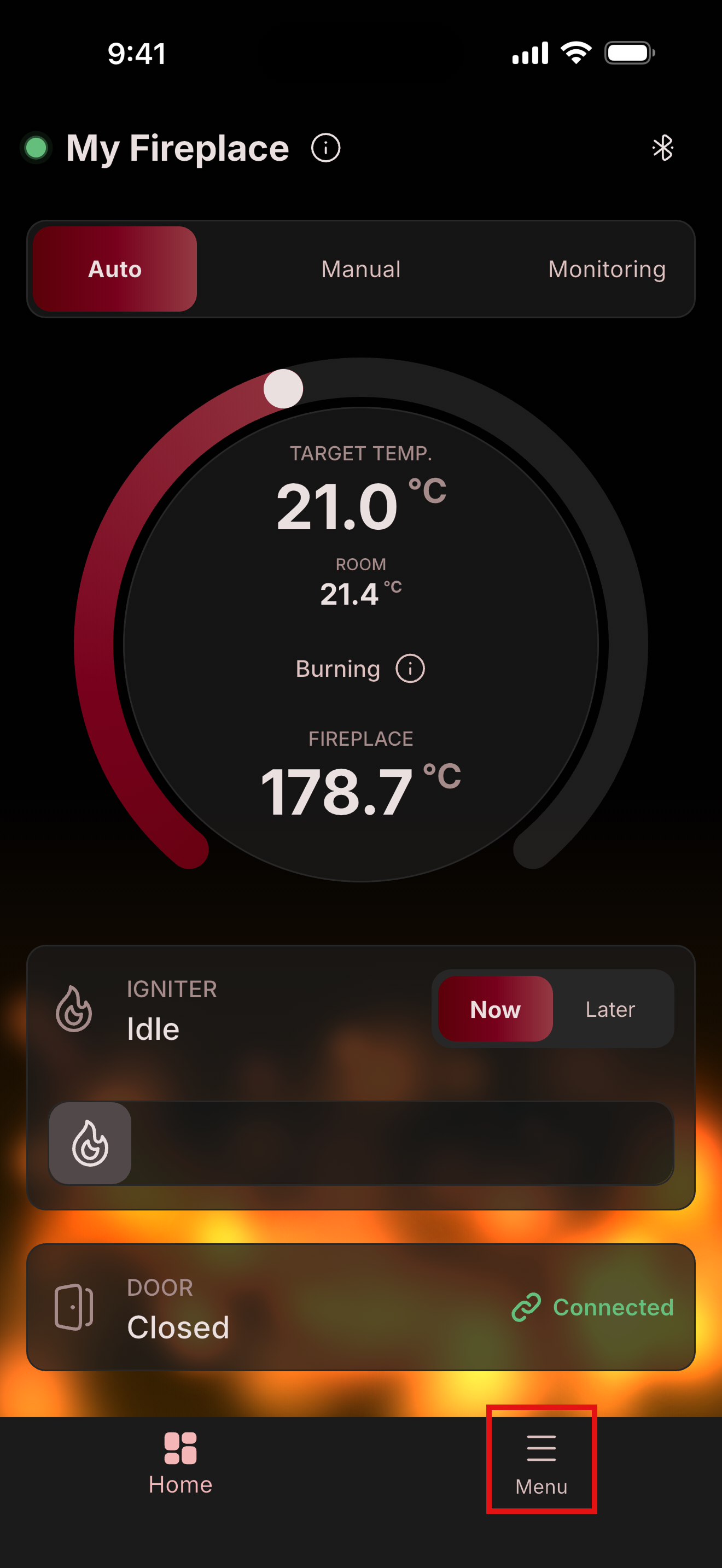
- Press menu icon
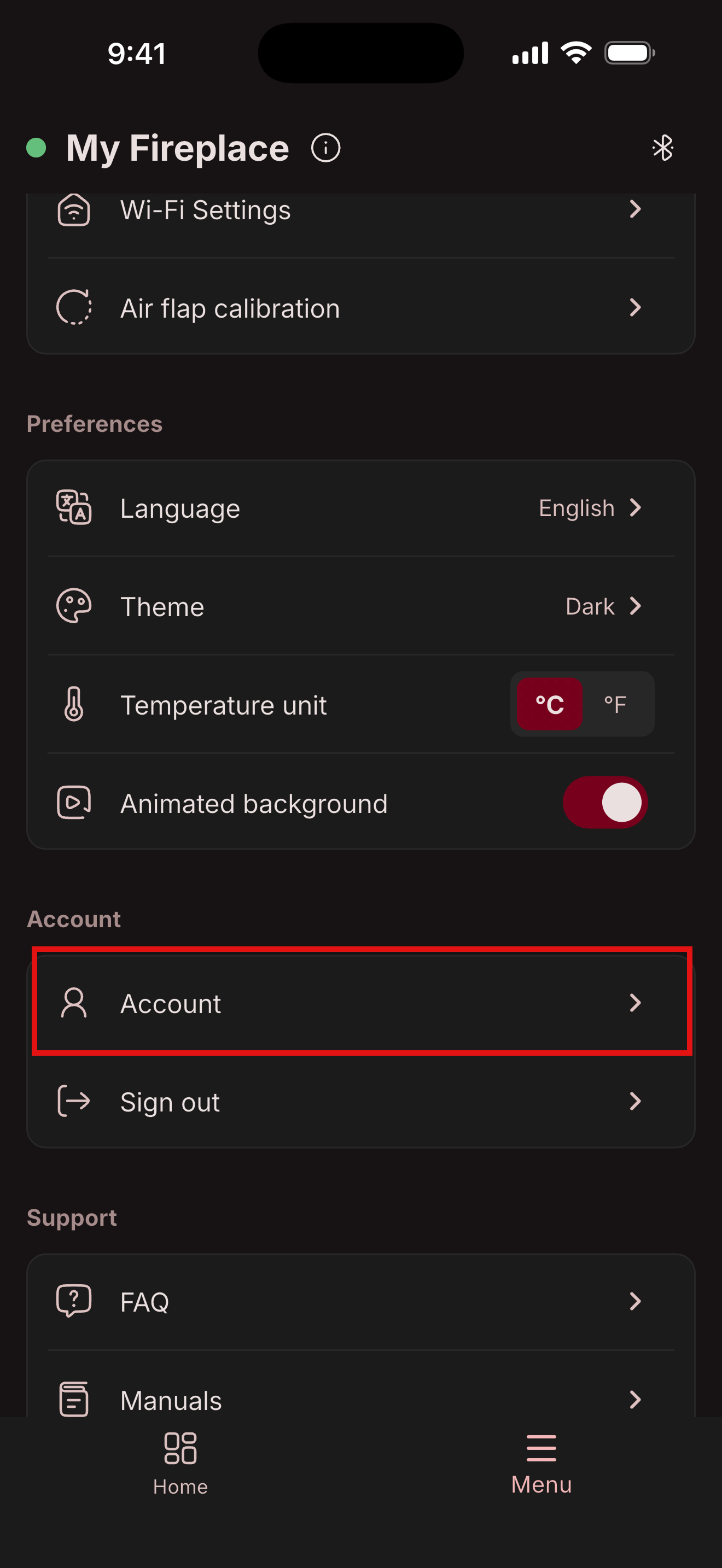
- Press account
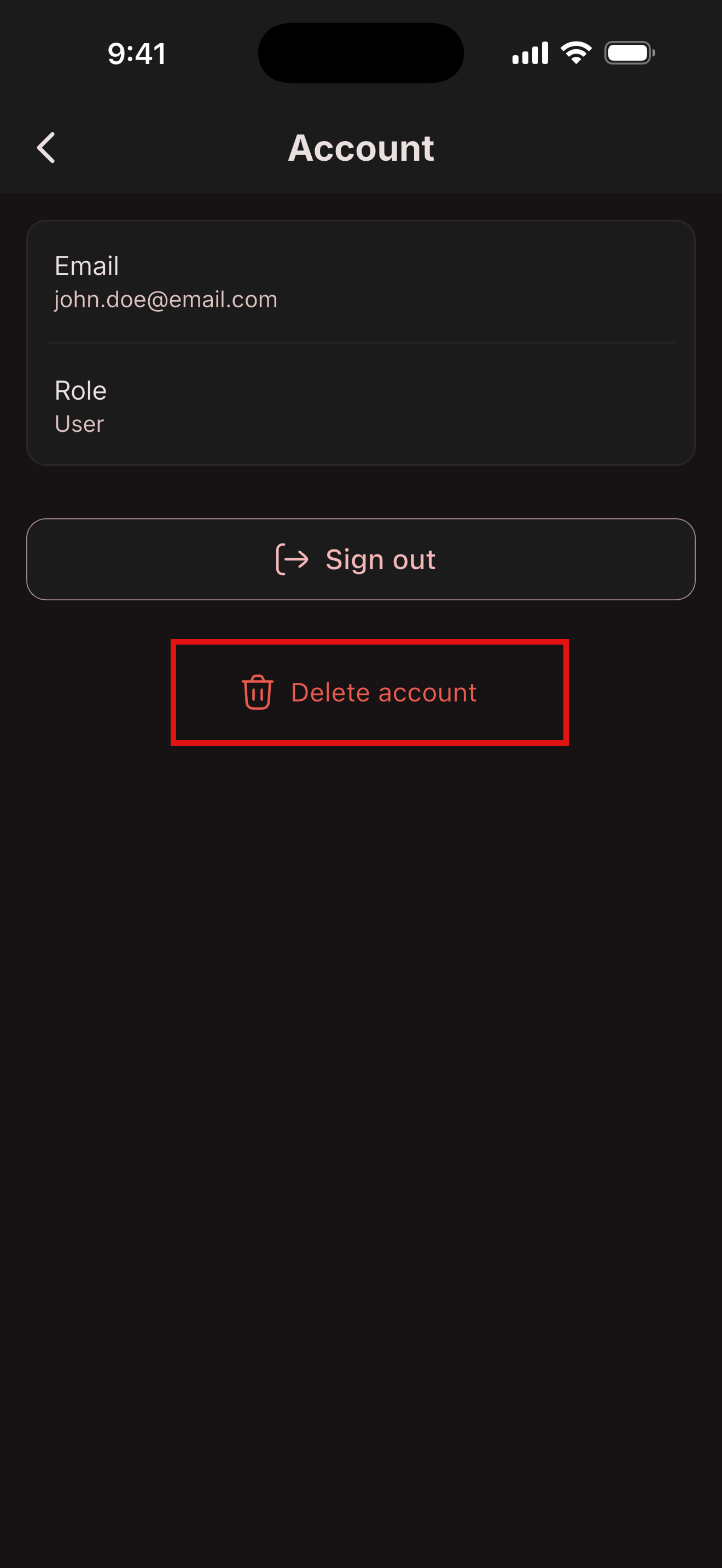
- Press Delete account button
- Select the checkbox
- Write word DELETE
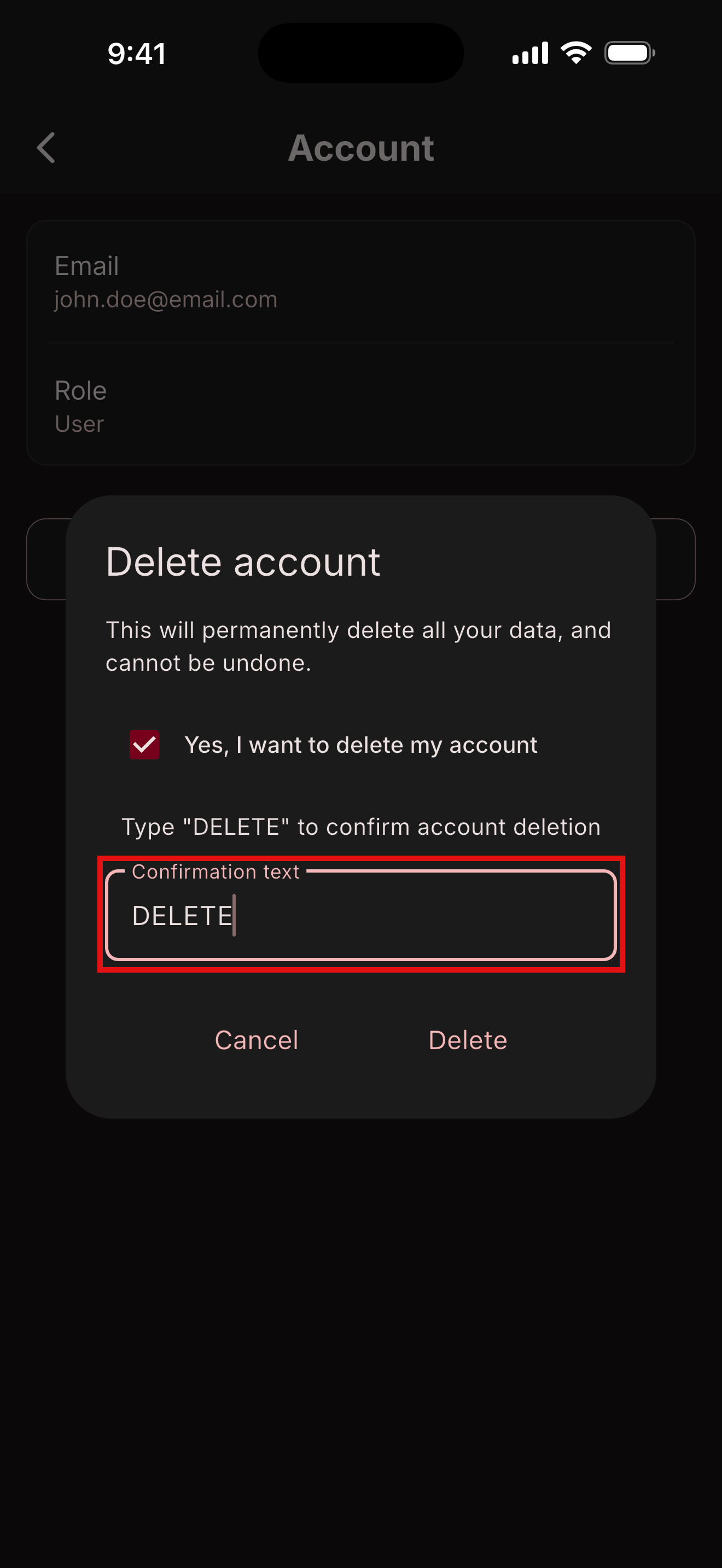
- Prese Delete button